Downloads

Downloads and updates

Every installer, its version and SHA-256 fingerprint, and how to update. All are free to try for 60 days with every feature.

Available now · Windows 10 and 11

Lumen Reader

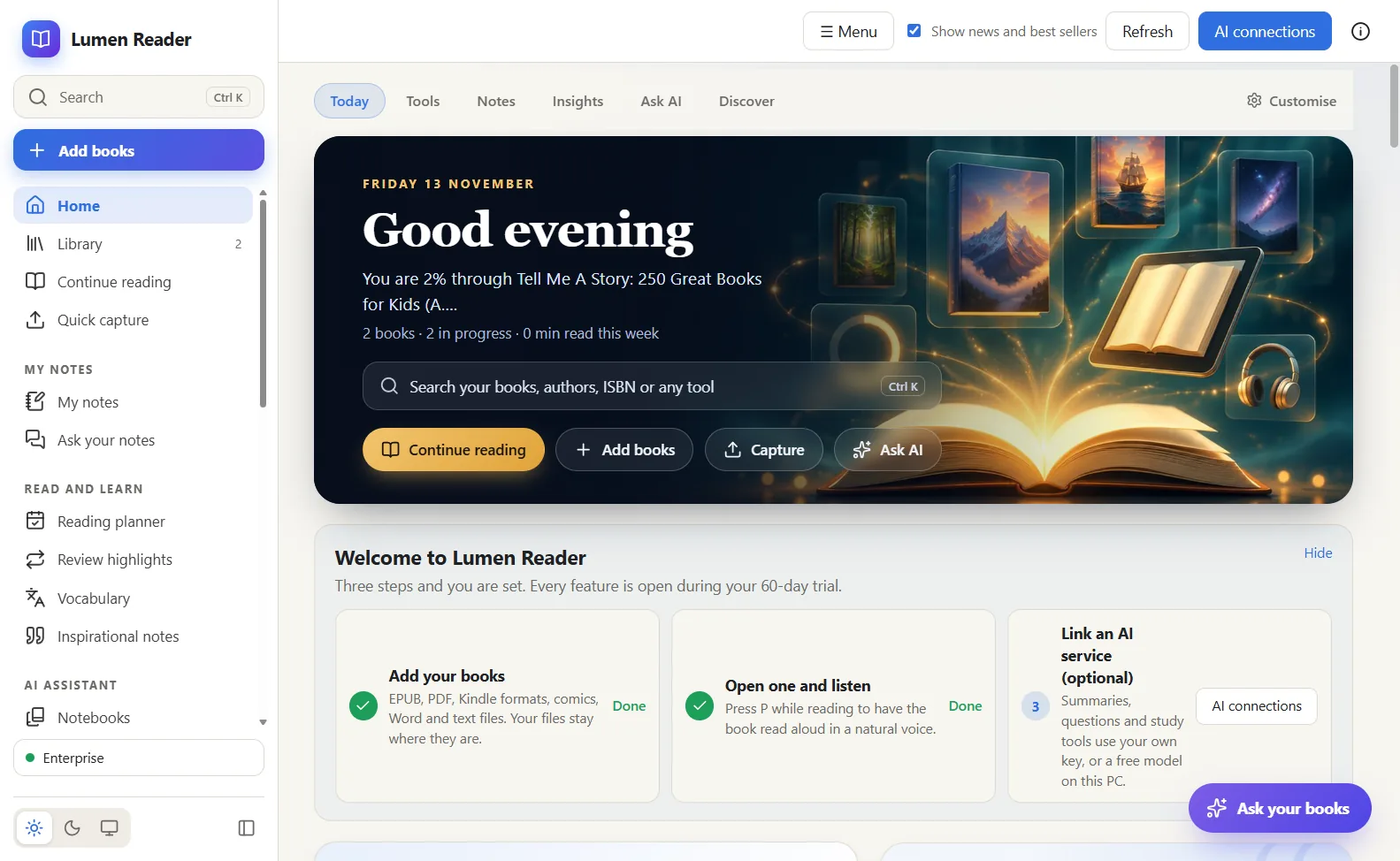
Read, listen and study with AI. About 137 MB. Version 2.18.0.

SHA-256 ca33ab6b696ca331dc742409ab08cb64b60504d2ae39fceb290aacbd37a0ebb3
Update to the newest version

To update, download the newest installer here and run it; it installs over the old version, and your library, notes, highlights and settings are kept. Your key stays active.

What is new in this version

Coming soon

More solutions

New solutions appear here with their own download, version and fingerprint as soon as they are released. Mac, Linux and phone versions are not available yet.

To hear first, write to support@nyumbasuite.com.

Before you install

  • Unsigned installers. Our installers are not code-signed yet, so Windows SmartScreen may say "Windows protected your PC". Compare the SHA-256 shown above, then choose More info and Run anyway. What this means.
  • Check a fingerprint. In PowerShell: Get-FileHash .\file.exe. The result must match the SHA-256 on this page exactly.
  • Windows 10 and 11, 64-bit. Mac, Linux and phone versions do not exist yet.
  • Already paid? Your key keeps working after every update. Lost it? Sign in with your order code, or call 0181 662 999.