Meet Lumen Reader: one place to read, listen and study
Lumen Reader is a Windows reader for books and documents, with a natural voice and AI that answers from your own sources. Here is what it is and who it is for.
By Howell Asava, Developer, Vukalink ·
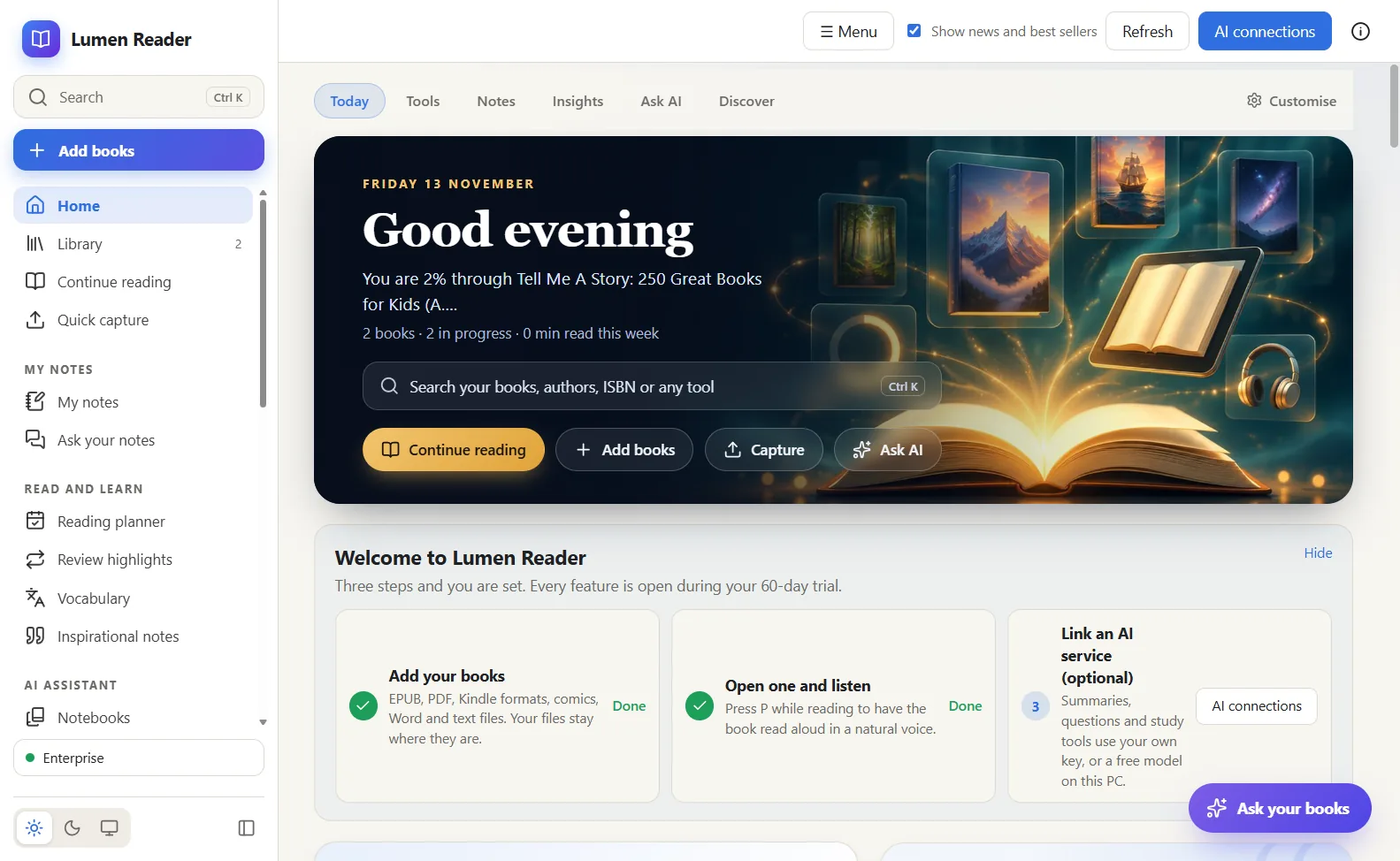
Most people who read a lot for work or study end up with their reading spread across five programs: one for PDFs, one for ebooks, a notes app, a separate tool to hear text read out, and a browser tab with an AI chat they paste passages into. Lumen Reader puts that work in one window on your own computer.
What it does
Lumen opens the formats people actually have: EPUB, PDF, the Kindle formats MOBI, AZW and AZW3, FB2, comics in CBZ and CBR, and documents in Word, RTF, ODT, plain text, Markdown and saved web pages. You highlight, write notes, bookmark and look words up as you go, in a light, sepia or dark theme.
When your eyes are tired, press P and the book is read aloud in a natural voice that runs on the PC itself. When you need to understand rather than just read, the AI tools summarise, explain, quiz you and build study material, using an AI service you choose or a free model installed on your own machine.
Around the reading sits a proper library: collections, tags, a duplicate finder and backups, a document converter, PDF tools for annotating, filling in forms, signing, merging, splitting and recognising text in scans, and sending books to a Kindle or Kobo.
Who it is for
- Students who need to read many sources, take notes and revise from them.
- Professionals who work through reports, contracts and research papers and want the key points with a reference back to the page.
- Readers who own books in several formats and want one calm place for all of them, with a voice to listen in the car or the kitchen.
What it is not
Lumen is a Windows program. There is no Mac, Linux or phone version yet, and no cloud library: your books stay where they are on your PC. It cannot use YouTube videos or audio files as sources yet. We would rather say that here than let you discover it after downloading.
Trying it
Every new installation opens every feature for 60 days, with no account and no card. After that Lumen continues as the Free plan: all your books stay readable and nothing you made is locked. Premium removes the limits on the library size and AI requests and adds the converter, the audio studio and the PDF editing tools. See the Lumen Reader page for the plans and the download.