Reading with your ears: a natural voice on your own PC
Lumen Reader reads books and documents aloud in a natural voice that runs on the computer itself. Why that matters, and how to start.
By Howell Asava, Developer, Vukalink ·
Listening is not a lesser way of reading. For many people it is the only way a long report or a set book gets finished: on the way to work, while cooking, or at the end of a day when the eyes have had enough of screens. The problem has always been the voice. The robotic voices built into most computers are tiring after a few minutes, and the good ones usually live in a paid cloud service.
A natural voice that stays on the PC
Lumen Reader uses a natural-sounding voice engine that runs on your own computer. You download a voice once (about 90 MB, free), and from then on books are read aloud without an internet connection and without sending the text anywhere. If you prefer, you can also use Gemini voices with a free key, or the voices Windows already has.
How to start
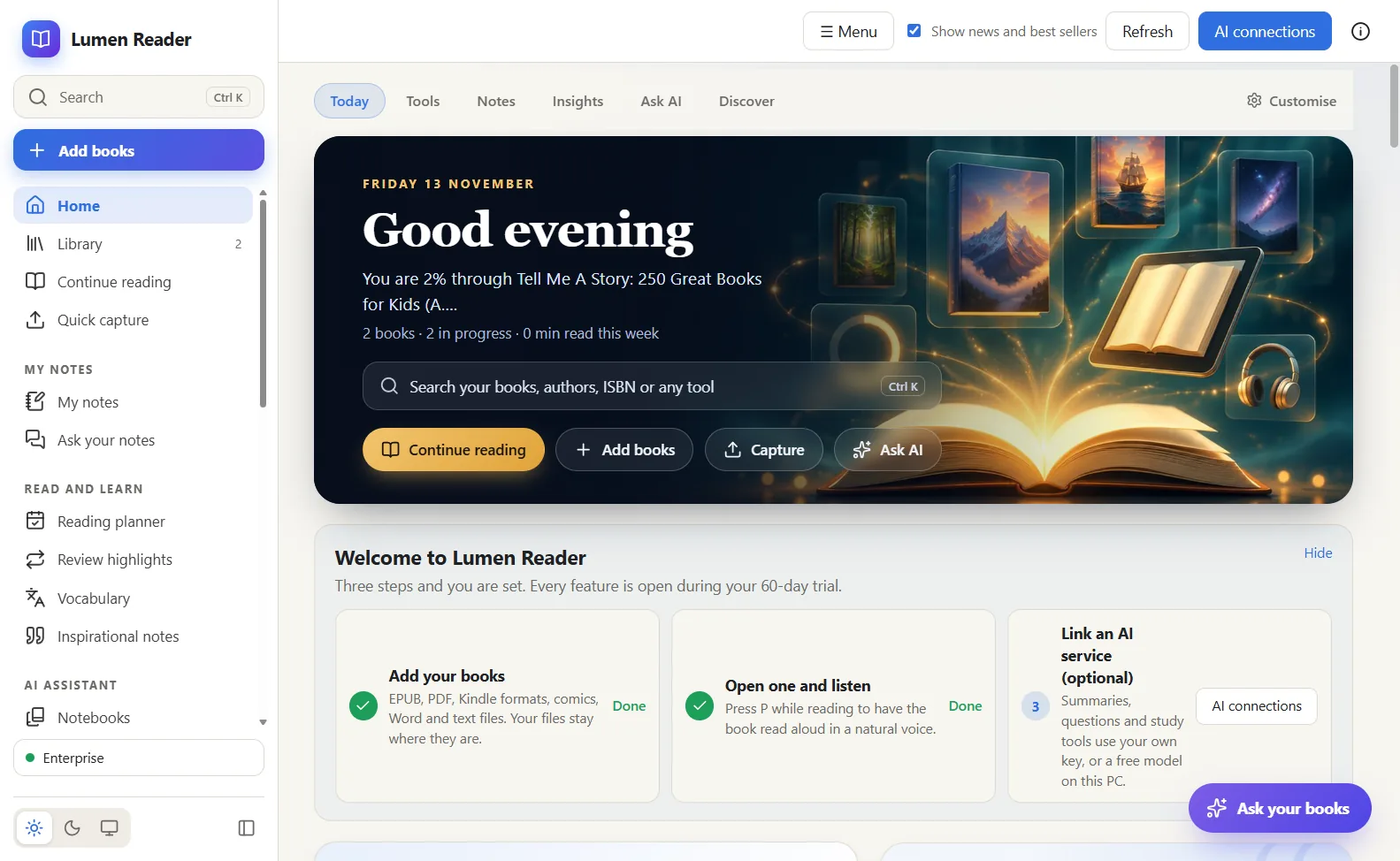
- Open any book or document and press P, or use the speaker button in the top bar.
- Choose a voice and a speed. The player has skip buttons and a sleep timer for listening in bed.
- The place you stopped is remembered, so you can switch between reading and listening.
Listening that helps you learn
Read aloud works with the rest of Lumen. The player has an Ask button for questions about the passage you are hearing, and in a notebook you can turn several sources into an audio overview: a spoken summary in the style of a deep dive, a short brief, a critique or a debate.
Who benefits most
Students revising set books, people with dyslexia or tired eyes, and anyone who spends hours in traffic. Read aloud is included in every plan, including Free after the 60-day trial, because we think listening should not be a premium extra.